Maintenance Simulator
RAMS Through Advanced Simulation Training
Simulators that enable technicians to enhance reliability, availability, maintainability and safety by using their skills and knowledge in a safe and controlled setting, and to receive feedback.
A training solution for maintenance and operations staff, helping them learn servicing, troubleshooting and system operation in a realistic and controlled environment.
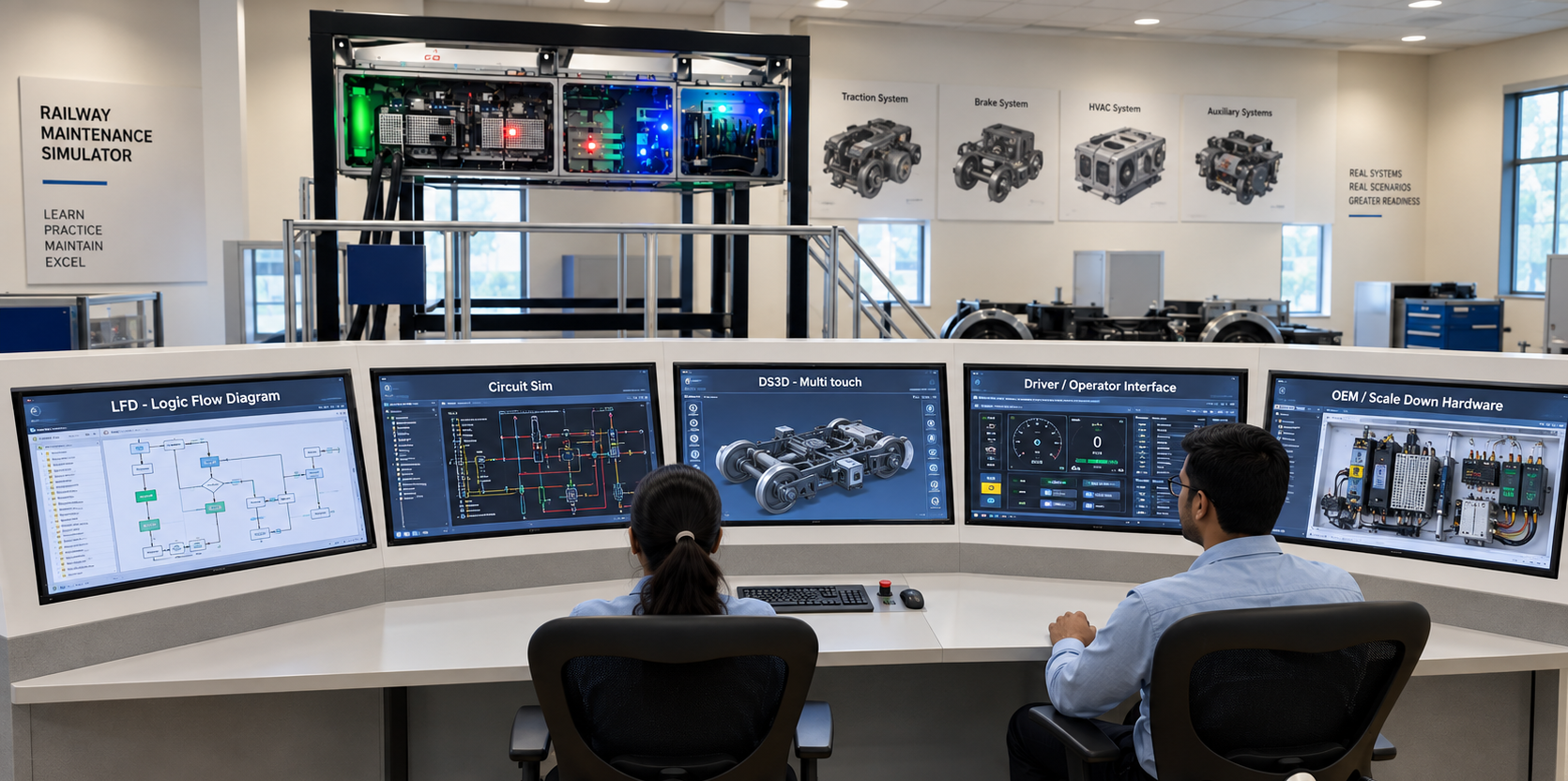
Introduction to Maintenance Simulator
The Maintenance Simulator is a training solution that teaches maintenance and operations staff how to service and troubleshoot vehicle and platform systems. It uses a realistic and interactive environment that mimics the actual system and its sub-systems. It also uses VR and AR technologies to improve learning and engagement.
Application — Vehicle Types
The Maintenance Simulator concept is shown across multiple domains.
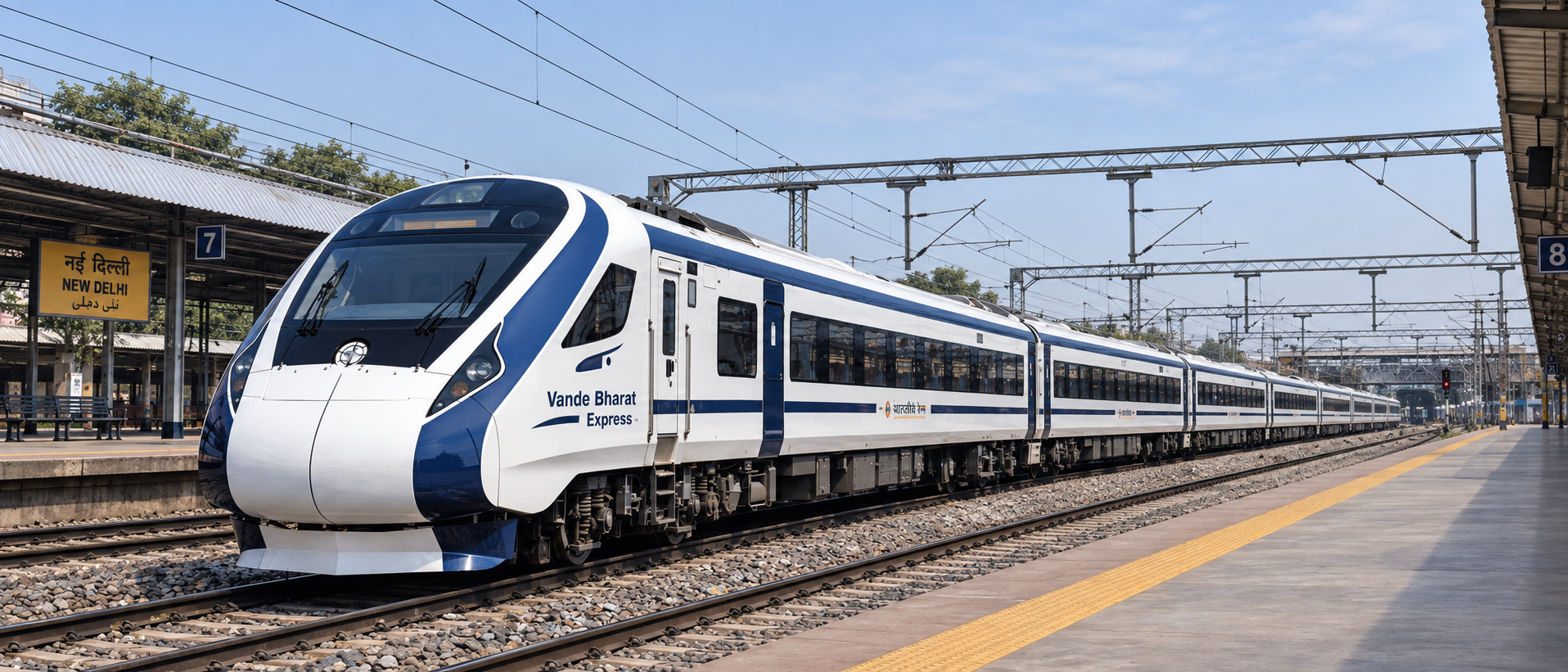
Metro Train / Vande Bharat Trainset / Locomotive
Vehicle Sub-Systems & Functional Areas
Systems that can be represented within the Maintenance Simulator.
Major Sub-Systems
6HVAC
Heating, ventilation and air-conditioning systems.
Brakes and Pneumatics
Brake and pneumatic systems.
Doors
Train door systems.
Bogie and Suspension
Bogie and suspension systems.
Gangway
Train gangway systems.
Couplers
Train coupling systems.
Additional Systems & Functional Areas
6Traction Motor & Gear Case
Training related to the traction motor and gear case.
Converter - Inverter
Training related to converter and inverter systems.
Alarm Information System
Training related to alarm and information systems.
Complex Control and Management Systems
Training for complex control and management systems.
Vehicle Control
Vehicle control system training.
Automated Operations
Training or simulation of automated train operations.
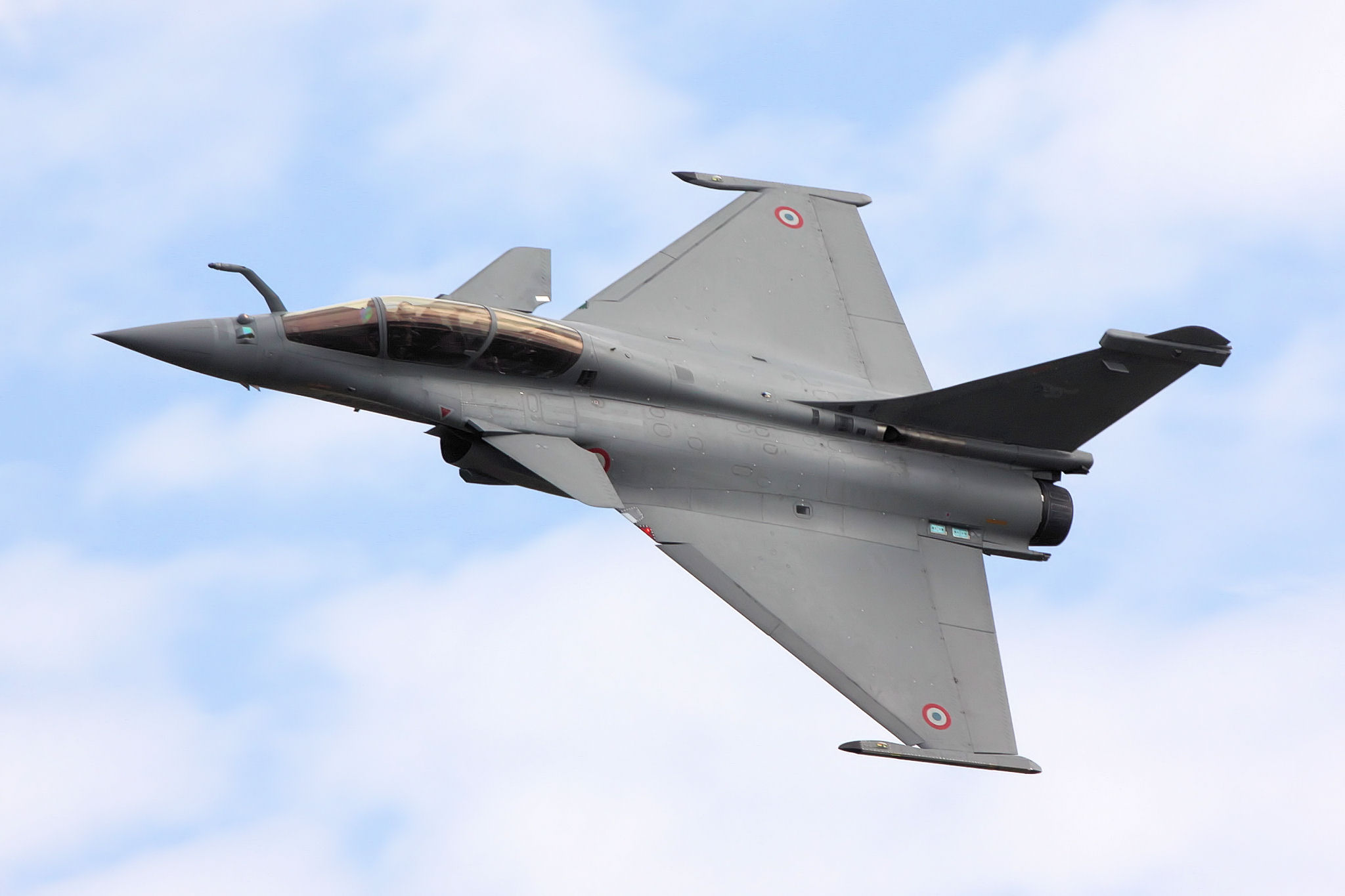
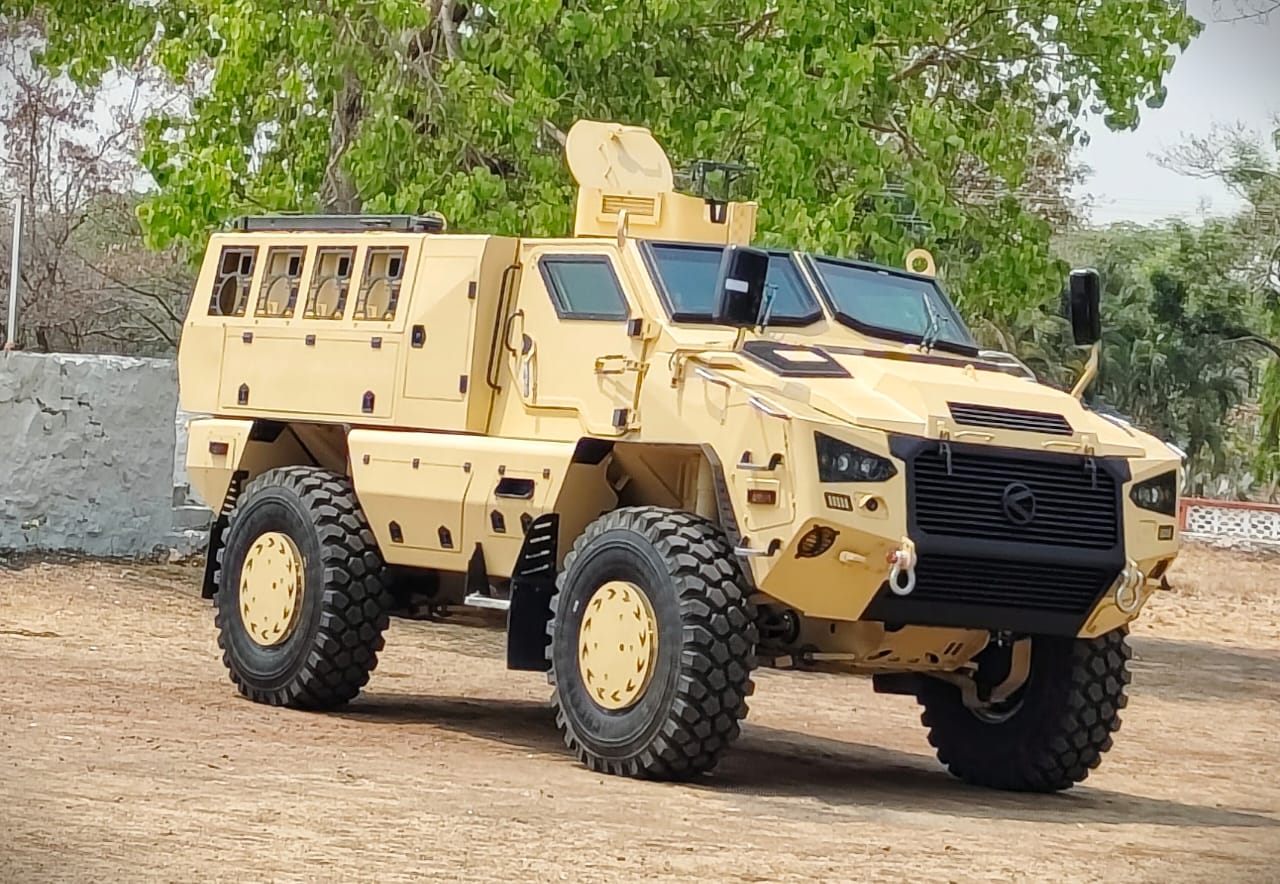
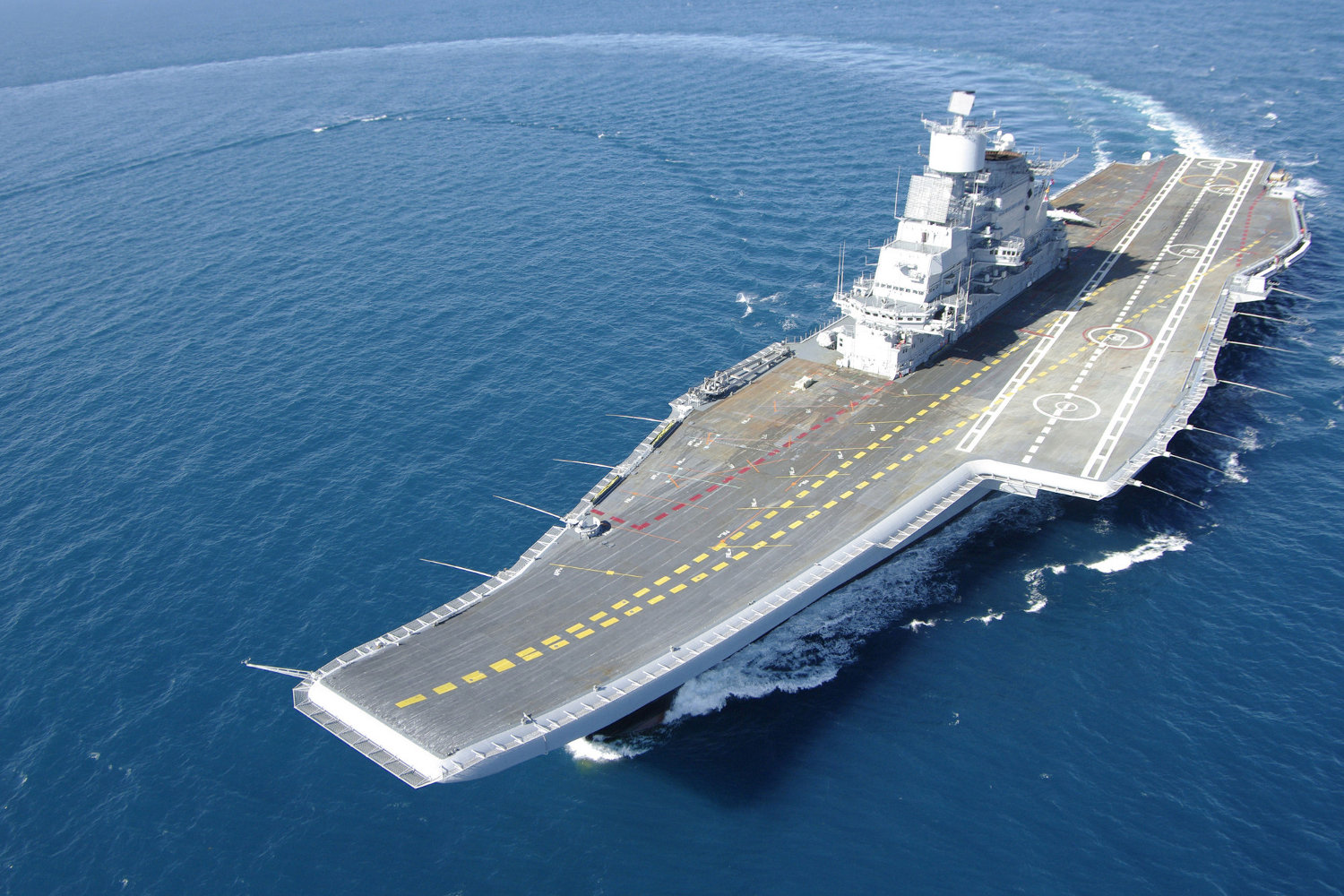
The Maintenance Simulator concept spans multiple domains — aerospace, land, naval and rail. Rail applications include Metro Train, Vande Bharat Trainset and Locomotive.
Physical & Digital Training Environment
The Maintenance Simulator is not purely software based. It can combine physical replicas, digital simulation, instructor control and interactive training interfaces.
Trainee Interaction Desk
A part of the maintenance simulator with a computer, a monitor and other interaction devices that allow the trainee to interact with simulated sub-systems.
Controlling Instructor Station
The central instructor control and monitoring interface, used to manage and control the training environment.
Scale Down Functional Physical Replicas
Physical replicas that represent train systems or sub-systems in a reduced-scale functional format for maintenance training.
The Trainee Interaction Desk connects to the Controlling Instructor Station and the Scale-Down Functional Physical Replicas.
Interactive Simulation Capabilities
Free Exploration of the Train in a 3D Virtual Environment
The trainee can explore train systems and environments digitally in 3D.
Information Mode
A dedicated interface where trainees can access information associated with train sub-systems.
Normal Operations Simulations
Simulates normal train operations so trainees understand the expected operational behaviour of systems before dealing with fault conditions.
Software Logic Flow Chart Simulation
Represents and simulates software logic flows, supporting understanding of system logic, control behaviour and operational sequences.
Circuit Simulation
Training through electrical or system circuit simulation, helping trainees understand system behaviour and troubleshoot faults at circuit level.
Fault Diagnosis and Troubleshooting
One of the primary functional purposes of the Maintenance Simulator.
Dynamic Simulation in 3D
Train sub-systems represented dynamically in an interactive 3D simulation environment for visual understanding of system operation and behaviour.
3D Procedures Training
Step-by-step maintenance or operational procedure training using 3D models, without requiring access to the live vehicle.
Video Based Training Modules for Preventive Maintenance
Video-based learning modules for preventive maintenance activities.
The simulator also includes training for Combined Mode Operation of the Train.
Virtual, Augmented & Mixed Reality Modules
A webcam and a QR code scanner support VR / AR training use. Virtual, Augmented and Mixed Reality are part of a broader maintenance training ecosystem, not the whole product.
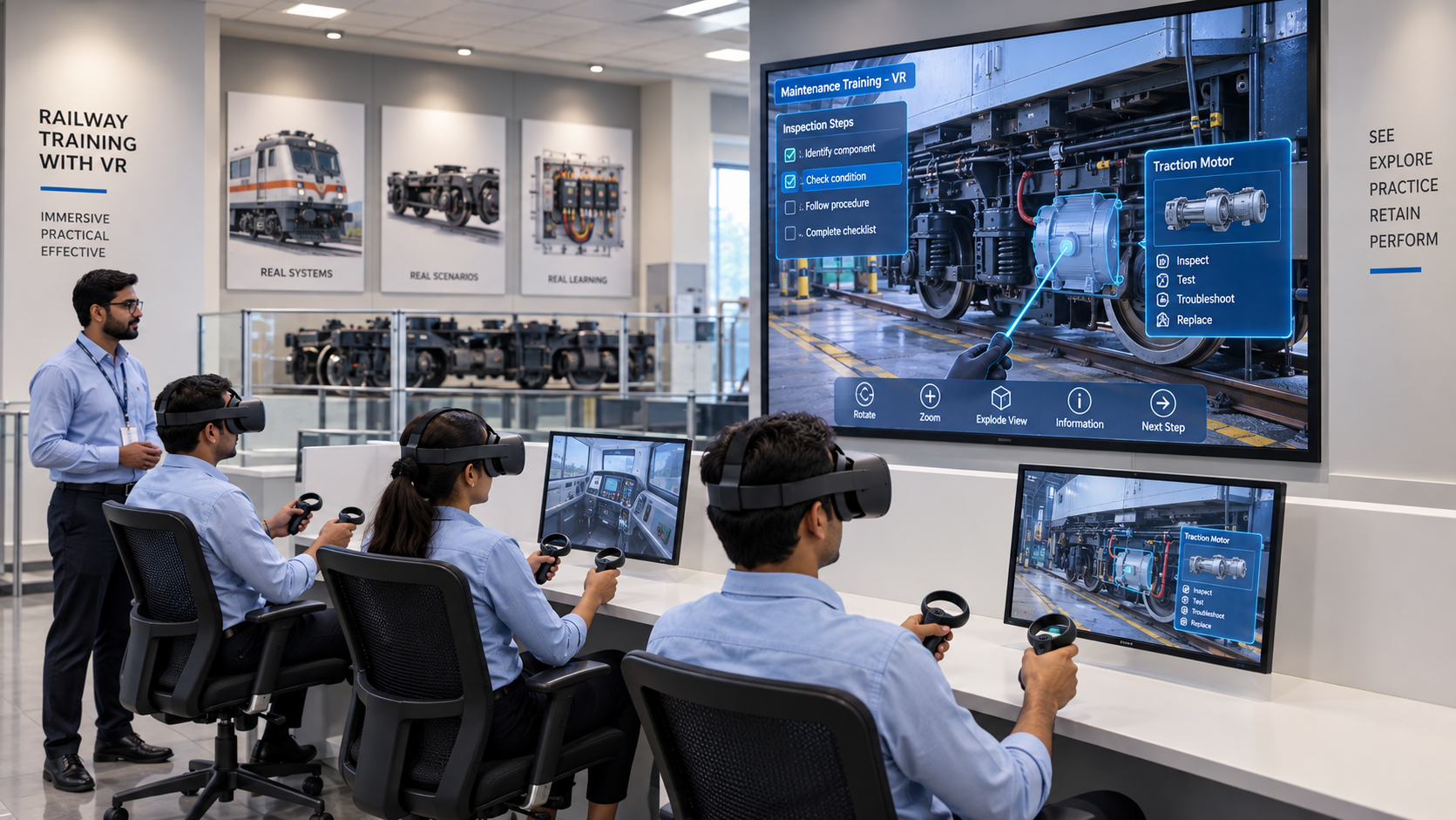
Virtual Reality (VR) Modules
VR can be incorporated into the training environment to improve learning and engagement.
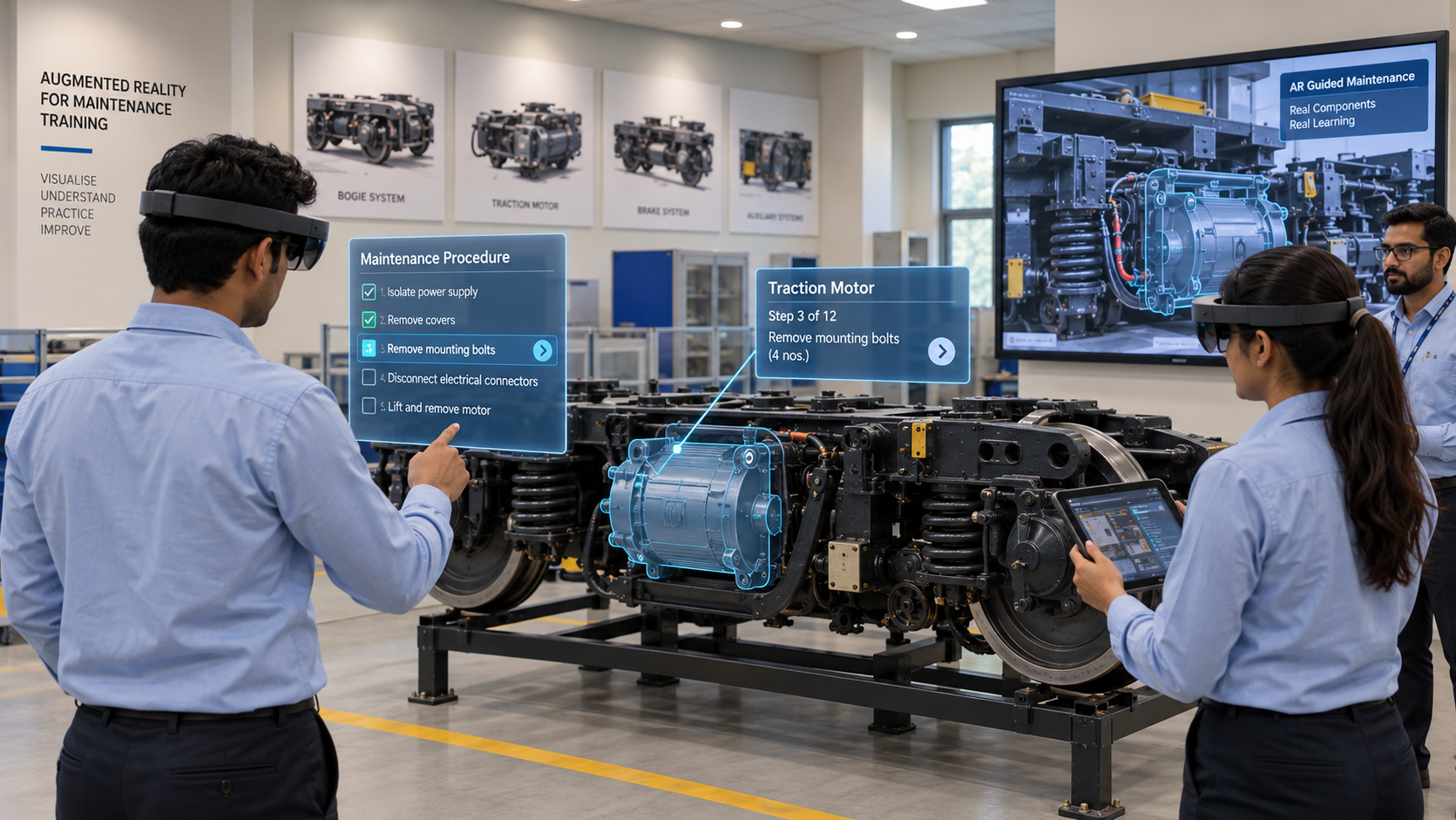
Augmented Reality (AR) or Mixed Reality Modules
AR or Mixed Reality can be used to enhance the maintenance training environment.
Overall Product Capability Structure
The Maintenance Simulator combines four layers into one training environment.
Physical Layer
- Scale-down functional physical replicas
- Trainee interaction desk
- Instructor station
- Buttons and switches
- Interactive training devices
Digital Layer
- 3D train environments
- 3D sub-system models
- Circuit simulation
- Logic flow simulation
- Normal operations simulation
- Fault diagnosis
- Troubleshooting
- Information mode
Immersive Layer
- Virtual Reality
- Augmented Reality
- Mixed Reality
- 3D procedural training
Training Layer
- Preventive maintenance
- Fault identification
- Troubleshooting
- Fault removal
- Corrective actions
- System familiarisation
- Operational training
Interested in maintenance training simulation?
Our engineering team is ready to discuss your requirements.